

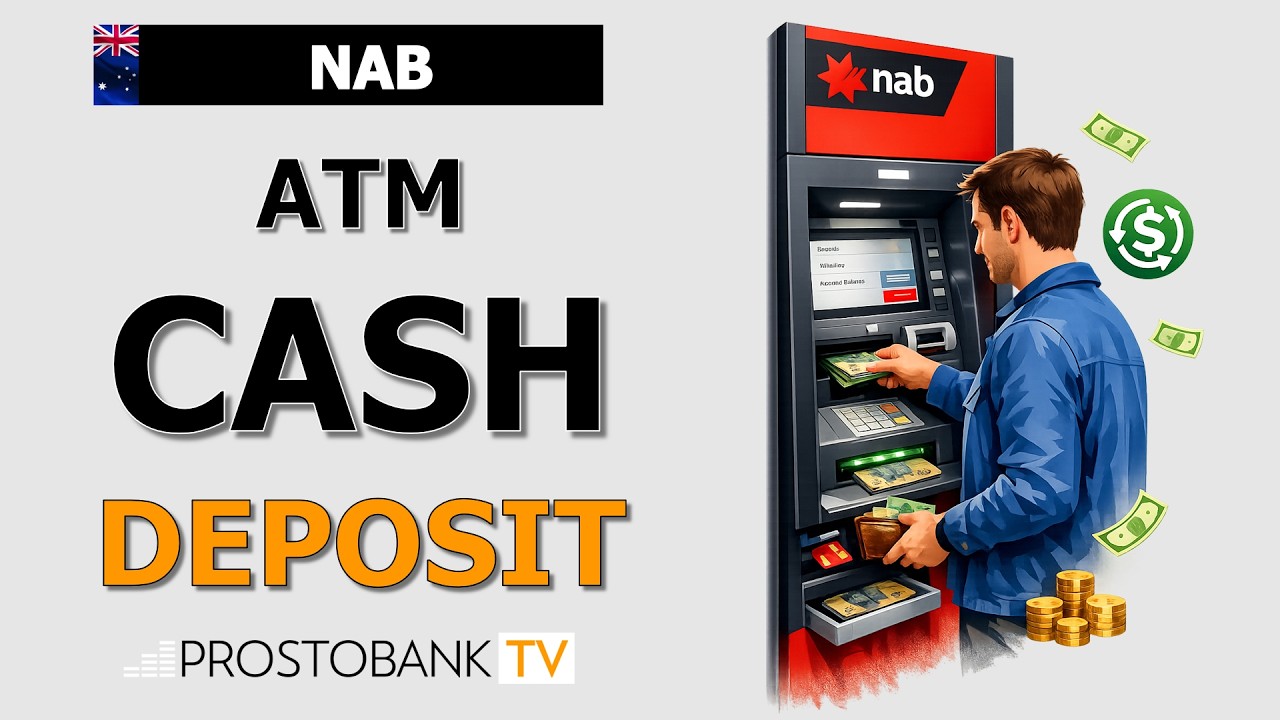

How to Deposit Cash at NAB Smart ATMs

Depositing Cash and Cheques via NAB Smart ATMs

Olesya Krasavtseva
Fact-checked by Olesya Krasavtseva
Content Editor at Prostobank Consulting Prostobank Consulting Logo
Updated: 01.09.2026

Video Guide

Table of Contents

Depositing Cash via Smart ATMs

NAB Smart ATMs offer a convenient way to deposit cash and cheques into your accounts in real time. Unlike traditional ATMs that only allow withdrawals, Smart ATMs feature advanced scanning technology that reads and counts your notes, immediately crediting the total to your nominated account. This service is available to all NAB customers who have a chip-enabled NAB card linked to their account.

Using a Smart ATM is straightforward, but it is important to ensure your notes are in good condition—flat, unfolded, and free of clips or pins—to help the machine process them correctly. You can deposit up to 50 notes at a time and a total of $10,000 cash per account, per day. For added convenience, you can also use these machines to deposit cheques, which are then scanned and processed for clearing.

Key Information and Requirements

Category Details
Service Method NAB Smart ATM (deposit-enabled machine).
Processing Time Cash deposits appear in your account immediately.
Eligibility NAB customers with a chip-enabled card and PIN.
Key Requirements NAB chip-enabled debit or credit card and PIN.

Step-by-Step Guide: Depositing Cash

Follow these steps to complete a cash deposit at a deposit-enabled NAB ATM.

  1. Insert your card: Insert your chip-enabled NAB card and enter your four-digit PIN.
  2. Select 'Deposit': Choose the 'Deposit' option from the main menu on the screen.
  3. Choose account: Select the specific account you want the funds credited to.
  4. Insert notes: When prompted, place your notes into the designated cash slot. Ensure they are neat and aligned.
  5. Review amount: The machine will scan and count the cash. Review the total displayed on the screen to confirm it is accurate.
  6. Confirm: Tap 'Confirm' to finalize the deposit. Take your receipt if offered, as this serves as your record of the transaction.

Troubleshooting Deposit Issues

If you encounter difficulties during your deposit, here is how to handle the situation.

MFA / Login Issues

  • Cause: You cannot proceed with the deposit because you have forgotten your PIN, which is required to authenticate the transaction.
  • Simple Fix: Reset your PIN via the NAB app before heading to the ATM.
  • Fallback Action: Visit a NAB branch with photo ID to have a banker assist you in resetting your PIN.

Browser or App Errors

  • Cause: This refers to the ATM interface itself; if the machine is showing an error or a blank screen, it may be experiencing a hardware fault.
  • Simple Fix: Do not attempt to force the machine; cancel the transaction if possible and try a different ATM nearby.
  • Fallback Action: Contact the support number displayed on the ATM to report the fault.

Locked Account / ID / Access Issues

  • Cause: If the ATM retains your card, it may be due to a suspected security issue or a machine malfunction.
  • Simple Fix: If the card is stuck, wait a moment to see if the machine releases it; if not, do not leave the ATM unattended.
  • Fallback Action: Use your mobile phone to call the emergency support number on the machine or the bank’s support line immediately to block the card.

Pro-Tip: To ensure your deposit is processed without rejection, take a moment to straighten your notes. Remove any rubber bands, paper clips, or heavy creases, as these can cause the ATM's note feeder to jam or reject the cash.

Frequently Asked Questions

Q: What should I do if the ATM counts less money than I deposited?

If there is a discrepancy between what you inserted and what the machine counted, do not finalize the transaction. The machine will usually allow you to cancel the session and return your notes. One limitation is that if the machine retains the notes after a counting error, you must contact the bank immediately with the ATM location and the approximate time of the transaction. Your practical next step is to call NAB support while you are still at the machine location to report the error.

Q: Can I deposit coins at a NAB Smart ATM?

NAB Smart ATMs are designed primarily for notes and cheques; they generally do not accept loose coins. If you have a large volume of coins, you should visit a branch to use a dedicated Coin Deposit Machine or speak to a teller. One exception is if your local branch offers a self-service coin deposit machine. Your practical next step is to use the NAB branch locator to find a location that offers specific coin deposit services.


Official Bank Information

NAB

Support: 13 22 65

SWIFT Code: NATAAU33

Video Guides

Watch our expert video reviews to navigate Australian banking with ease.

Bank's Services and Products

Find and compare the best banking products tailored to your financial goals.

Personal Banking

Personal credit cards

Show details
Purchase interest rate: 20,99% p.a.Cash advance rate: 21,74% p.a.Balance transfer offer: 0% p.a. for 12 monthsNew customer cashback: 250 AUD after spending 1500 AUD within 90 daysExisting customer cashback: 350 AUD after spending 1500 AUD within 90 daysUp to 44 interestfree days on purchases

Personal debit cards

Show details
Must be an Australian resident for tax purposes Must be 18 years of age or older Earn 1,00% cash back on contactless purchases (up to 10 AUD per month) Includes extensive complimentary insurances: International and Domestic travel, Rental vehicle excess, Purchase protection, and Extended warranty To activate travel insurance, at least 500 AUD of prepaid travel costs must be charged to the card Provides access to a 24/7 concierge service and Visa premium offers

Personal savings accounts

Show details
Total introductory rate of 5,00% p.a. is available for the first four monthsIntroductory rate applies to customers who have not held a NAB iSaver in the last 12 monthsStandard variable rate of 1,55% p.a. applies after the fourmonth periodBonus interest applies to balances up to 20000000 AUDInterest rate remains unaffected by withdrawals

Personal transaction accounts

Show details
Includes choice between NAB Visa Debit ($0 monthly card fee) or NAB Platinum Visa Debit ($10 monthly card fee)NAB Goodies provides personalised cash back offers via the appDigital wallet support for immediate payments before card arrivalStandard card includes access to Visa Entertainment and NAB Defence protectionPlatinum version offers 0% international transaction fees and complimentary insurances

Loans & Mortgages

Personal Car loans

Show details
Provides a 0,75% p.a. interest rate discount specifically for eligible allelectric and plugin hybrid cars The vehicle must be used as security for the loan Applicant must be an existing personal NAB customer registered for Internet Banking and aged 21 years or older Available to sole borrowers only No redraw facility is available from extra funds

Personal Home Loans

Show details
Allows linking of up to 10 offset accounts to an eligible variable rate loan Flexible repayment options including weekly, fortnightly, or monthly schedules Final interest rate is personalized and may depend on the Loan to Value Ratio (LVR)

Personal loans

Show details
Fixed interest rate and repayments for the entire loan termBorrowing limit up to 55000 AUDRedraw option is not available for fixed rate loansRepayments required via direct debitChoice of weekly, fortnightly, or monthly repayment cycles

Business Solutions

Business accounts

Show details
Designed for businesses that mostly transact online and make few banker assisted transactions No free eligible transactions allowance for manual or assisted transactions Transaction data can be integrated directly into accounting packages like Xero and MYOB

Business car loans

Show details
Operates as a chattel mortgage where the purchased vehicle or equipment acts as the sole security against the loan Allows businesses to set a balloon payment at the end of the term to lower monthly repayment obligations Eligible assets include cars, trucks, agricultural machinery, and specialized green equipment like electric vehicles and solar panels Facility limits can be established to purchase multiple assets without applying for finance multiple times

Business credit cards

Show details
Special introductory offer: 0% p.a. on purchases for 12 months Up to 55 interestfree days on business purchases (excludes cash advances) Includes complimentary NAB Commercial Cards Unauthorised Transaction Insurance Allows attaching multiple cards to one facility with individual credit limits Minimum facility credit limit is 5000 AUD

Business loans

Show details
No physical assets required for security Repayments consist of principal and interest Provides an instant decision and fast access to funds

Business savings

Show details
Requires a minimum deposit of 5000 AUD Government guarantee covers combined NAB savings balances up to 250000 AUD A minimum of 31 days' notice is strictly required to withdraw funds before maturity, unless experiencing hardship New term deposits are capped at a maximum term of 2 years; terms up to 5 years are only available for existing rollovers via selfserve channels Interest is calculated daily and paid at maturity for terms up to 12 months, or periodically for longer terms

Find bank, branch or ATM

Locate the nearest financial services, interactive maps, and contact details across Australia.
